
Virtual Copy vs Original File in Lightroom Classic: What’s the Difference?
If you’ve ever created a Virtual Copy in Lightroom Classic, you may have wondered Virtual Copy vs Original File in Lightroom Classic: What’s the Difference? Whether Lightroom duplicated your RAW file or simply created another version of your edits.
The answer is simple: a Virtual Copy is not a duplicate of your original photo. It is a second set of editing instructions stored inside the Lightroom catalog while both versions continue using the same original image file. This is one of Lightroom Classic’s most powerful workflow features because it lets photographers create multiple edits without wasting storage space.
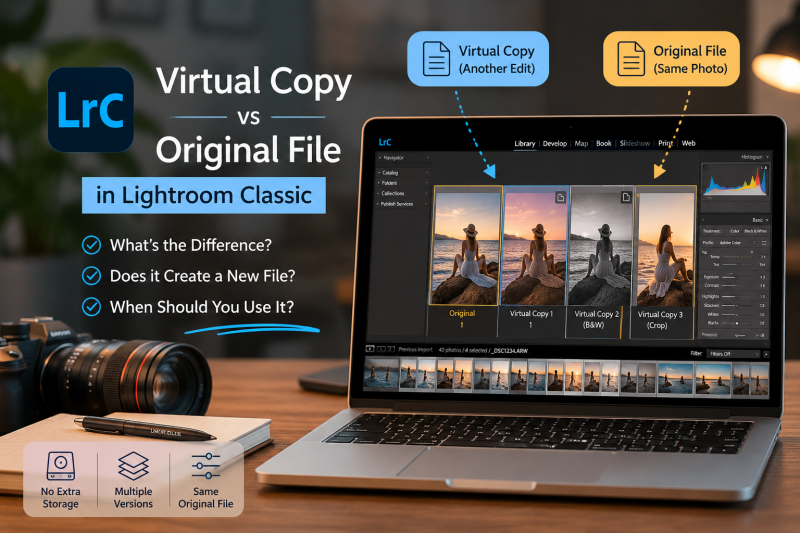
Virtual Copy vs Original File in Lightroom Classic: What’s the Difference?
What Is a Virtual Copy in Lightroom Classic?
A Virtual Copy is an additional version of a photograph that exists only inside Lightroom Classic.
Unlike copying a RAW file in Finder or Windows Explorer, Lightroom does not duplicate the image on your hard drive. Instead, it creates another catalog entry containing:
- Develop settings
- Crop
- Local adjustments
- Metadata
- Keywords
- Ratings
- Color labels
Both the original image and every Virtual Copy still point to the exact same RAW file on your disk.
Read more: umurdilek.com/etsy-product-photography-guide-how-to-take-photos-in-2026/
Virtual Copy vs Original File
| Original File | Virtual Copy |
|---|---|
| Physical RAW, JPEG, TIFF or PSD file | Exists only inside the Lightroom catalog |
| Stored on your hard drive | No duplicate image file |
| Can exist without Lightroom | Requires the Lightroom catalog |
| Uses disk space | Uses almost no additional storage |
| One file | Unlimited versions can be created |
Think of it this way:
Original File = the photograph
Virtual Copy = another editing recipe for that photograph
Does a Virtual Copy Create Another RAW File?
No.
This is probably the most common misconception among Lightroom users.
Creating ten Virtual Copies of a 50 MB RAW file does not create ten additional 50 MB files.
Instead, Lightroom stores only the editing instructions and preview information in its catalog database. That’s why photographers can experiment freely without filling their hard drives.
Does a Virtual Copy Affect the Original Photo?
No.
Lightroom Classic uses non-destructive editing.
Whether you edit the original photo or a Virtual Copy, Lightroom never changes the pixels of the original RAW file.
Each version has its own independent adjustments.
For example, you can have:
- a natural edit
- a black-and-white version
- a warm cinematic version
- an Instagram crop
- a print version
—all created from a single RAW image.
When Should You Use Virtual Copies?
Professional photographers rely on Virtual Copies every day.
Some common situations include:
Color and Black & White Versions
Keep both versions without duplicating your RAW file.
Social Media Crops
Create one edit for Instagram (4:5), another for Stories (9:16), and another for your website.
Client Options
Show multiple editing styles before the client chooses a final look.
Print and Web Versions
Maintain different crops and sharpening settings for print and online delivery.
Creative Experimentation
Try dramatic edits without worrying about losing your original work.
How to Create a Virtual Copy
There are several ways:
- Right-click the photo → Create Virtual Copy
- Photo → Create Virtual Copy
- Keyboard shortcut:
- Windows: Ctrl + ‘
- Mac: Cmd + ‘
Lightroom marks Virtual Copies with a small page-turn icon on the thumbnail.
What Happens When You Export a Virtual Copy?
A Virtual Copy becomes a real file only when exported.
For example:
Original RAW
↓
Virtual Copy
↓
Export
↓
JPEG
Now Lightroom creates an actual JPEG while your original RAW remains untouched.
Virtual Copy vs Snapshots
Many beginners confuse these two features.
Snapshots
- Save editing checkpoints
- Stay inside one image
- Best during editing
Virtual Copies
- Create separate versions
- Can have different crops
- Can be exported independently
- Ideal for long-term workflows
If you need multiple finished versions of the same photo, Virtual Copies are the better choice.
Common Mistakes
Avoid these misconceptions:
- A Virtual Copy is not a backup.
- Deleting the original file also removes access to all Virtual Copies because they depend on the same source image.
- Virtual Copies do not duplicate RAW files.
- Virtual Copies are stored in the Lightroom catalog, so keeping your catalog backed up is essential.
Final Thoughts
Understanding the difference between a Virtual Copy and the Original File is one of the keys to mastering Lightroom Classic.
Virtual Copies let you create unlimited creative versions of a single photograph without duplicating your RAW files or wasting storage space. Whether you’re preparing client galleries, experimenting with different editing styles, or creating separate crops for print and social media, Virtual Copies provide a fast, flexible, and professional workflow.
If you regularly edit in Lightroom Classic, learning to use Virtual Copies effectively can save both time and disk space while giving you complete creative freedom.
https://www.umurdilek.com
https://instagram.com/umurdilekphoto
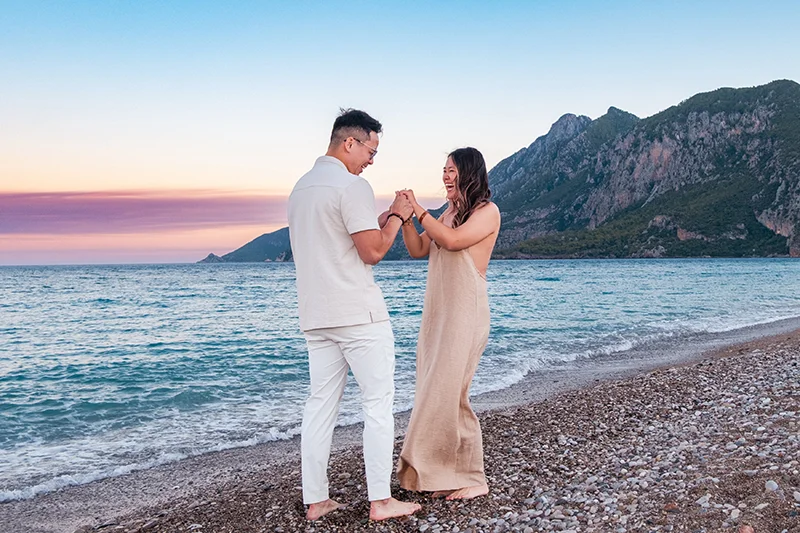
A Photographer Who Truly Goes Above and Beyond
Sept 2025 • CoupleI honestly don’t even know where to begin because words can’t fully capture how incredible Umer was. From the very start, he was extremely responsive, professional, and detail-oriented. I reached out to him just a few days before my surprise proposal after having to cancel my original photoshoot in Cappadocia due to weather, and he made everything happen seamlessly.
Umer went above and beyond to make the moment personal and perfect to my liking. He spent the entire day preparing the beach setup: picnic scene, beautiful decorations, and every little detail you could imagine. He even arranged a driver to pick us up from over an hour away, making the experience completely stress-free for us.
The level of care and effort he put in was unmatched. It truly felt like he wasn’t just our photographer, but someone who genuinely cared about making our special day unforgettable. The photos turned out breathtaking, but beyond that, the entire experience was something we’ll cherish forever.
If you’re looking for someone who will go above and beyond and treat your special moment like his own, I cannot recommend Umer enough. Absolutely amazing.

The best photographer ever.
Unbelievable experience! He made us feel comfortable and welcome. He provided us with so much more then just beautiful memories through the camera lens. He acted as a guide, enhancing our experience with knowledge of the cities history and architecture. I will contact Umur every single time I return, which i plan to do for the rest of my life.Visited October 2024•Traveled as a couple
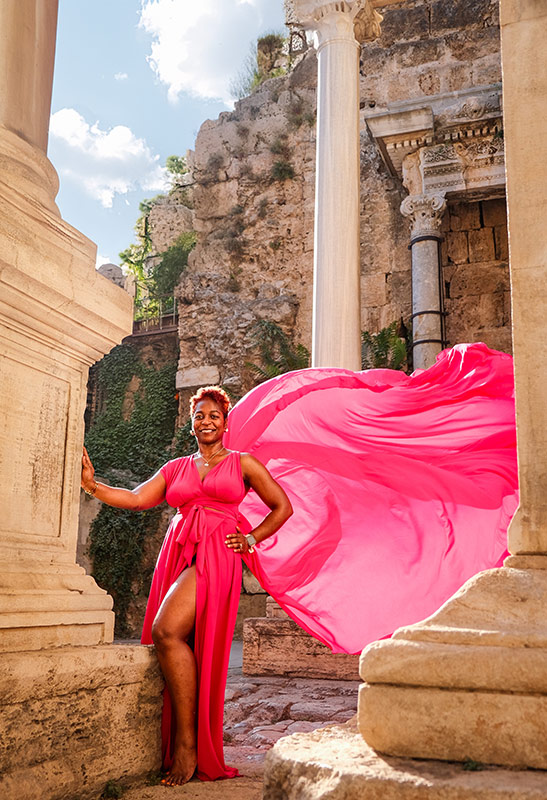
Jubilantes Flying Dress Photoshoot Antalya
July 2024 • Friends groupUmur and his team were such a pleasure to work with. Umur went above and beyond to accommodate our ever changing number of photoshoot participants, on short notice too!! Professional, patient, passionate about their craft and most of all accommodating, are just a few of the exemplary traits I can use to describe Umur. We still can’t get enough of those pictures and videos. Rest assured when I/we do come back, you are one text message away to schedule another photoshoot! You are awesome!!

Jul 2025 • SoloI absolutely loved the shoot with Umur. He is truly one of the best photographers ever. Very professional and I use him all the time for my blog and Instagram, and even for my brand. Highly recommended!

Amor a primera vista de Estambul
Quede encantada con el resultado final de las fotos. Era un dia nublado y Umur las editó de forma bellisima para llevarme un excelente recuerdo de mi primer visita a Estambul. Lo recomiendo ampliamente.
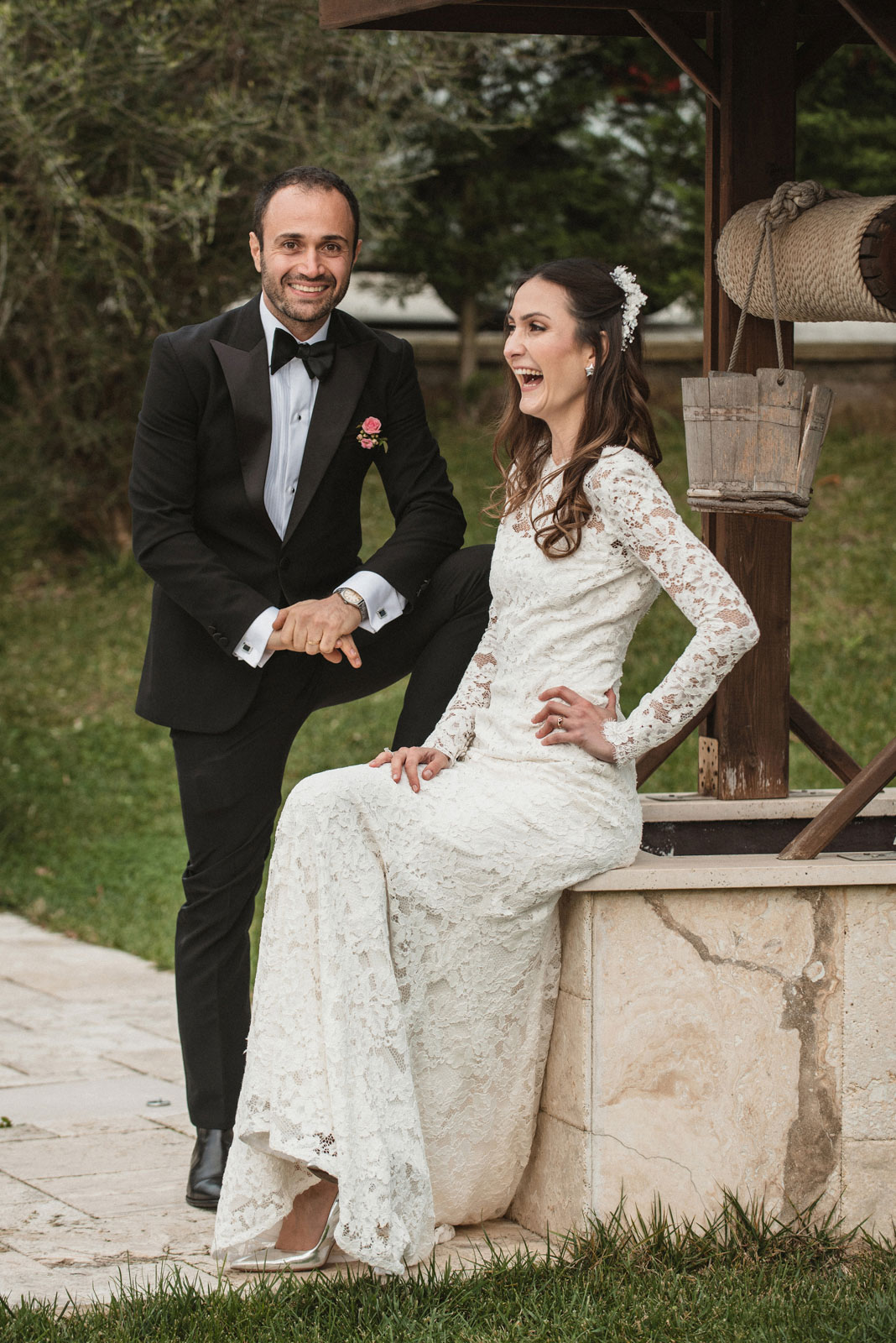
Пределы моей фотогении расширены.
Большое спасибо за такую замечательную деятельность и результат. Теперь у меня есть классные фотографии в кинематографическом стиле в самых крутых местах города. Я был очень поражен местами и плюс его направлениями, это была отличная фотосессия.

Creative and time efficient
It was a great experience working with Umur in my last trip to Istanbul. He is professional and creative. I got excellent shots and he suggested nice spots in Istanbul. We spent around 1.5 hours, he was very efficient and we didn’t loose time looking for places, he knows the right spots for the best shots… Highly recommended.
Fotografiando Istanbul
Muy buen fotografo, buena onda y conocedor de la ciudad. Me llevo a lis mejores lugares para fotografiar. Altamente recomendado!



Great photography, great guy!